

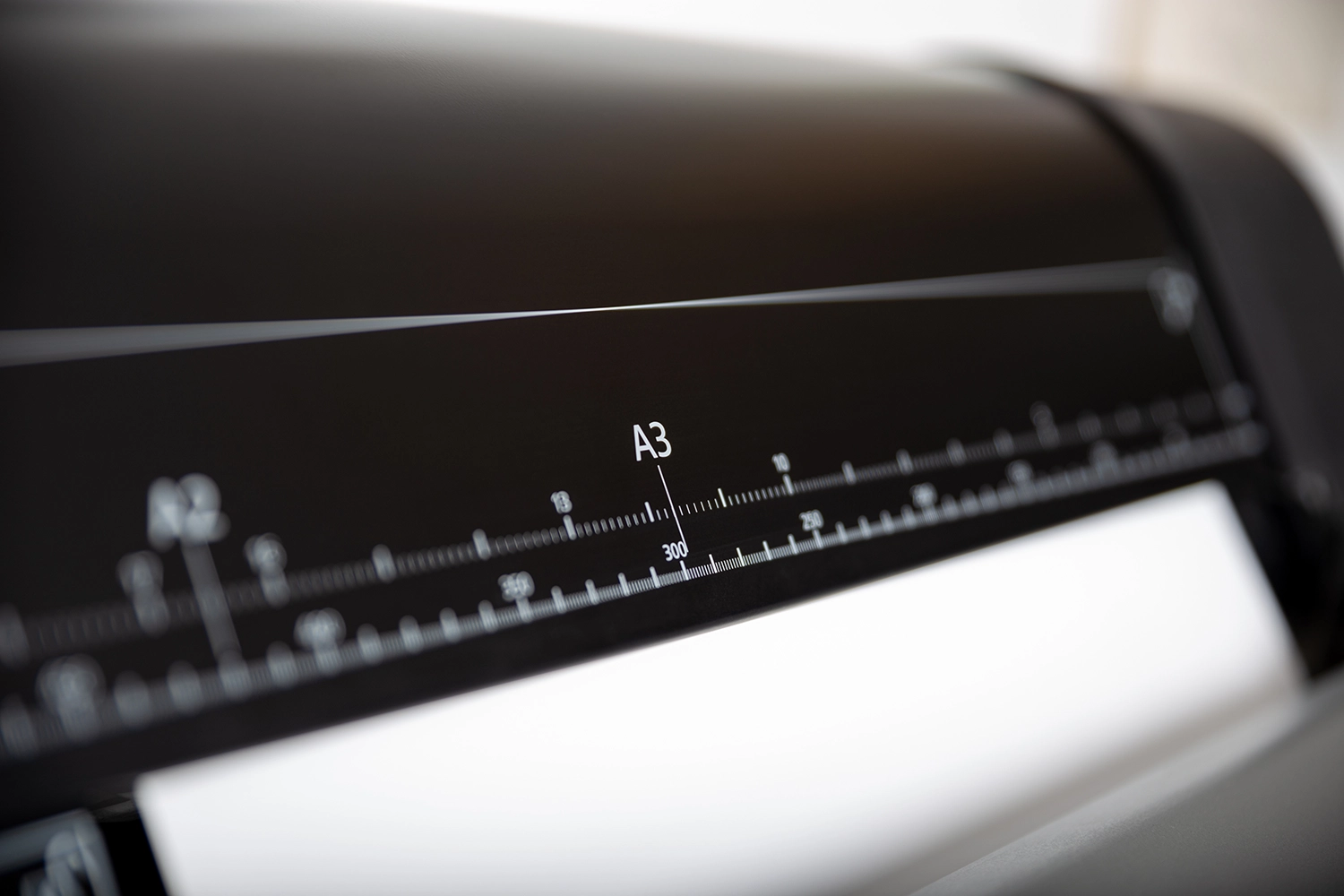
When comparing business equipment, you’ll often encounter the terms A3 and A4. Understanding these categories can help you narrow your choices based on the documents your organization produces, the space available, and the work you want to handle internally.
What’s the Difference Between A3 and A4 Printers?
The main distinction is the paper sizes the equipment can accommodate. A3 devices handle larger sheets, while A4 models generally focus on standard office formats.
The names come from international paper dimensions. For U.S. buyers, they also serve as equipment categories commonly associated with the following capabilities:
| Printer category | Typical U.S. paper-size support | Common applications |
|---|---|---|
| A4 | Letter and, on many models, legal | Correspondence, invoices, forms, and reports |
| A3 | Letter, legal, and 11 x 17, depending on the model | Larger spreadsheets, folded materials, and reduced-size technical drawings |
The paper standards themselves have different measurements:
- A4: 210 x 297 mm, approximately 8.27 x 11.69 inches
- A3: 297 x 420 mm, approximately 11.69 x 16.54 inches
- U.S. letter: 8.5 x 11 inches
- U.S. legal: 8.5 x 14 inches
- U.S. tabloid/ledger: 11 x 17 inches
A4 and letter are different sizes, as are A3 and 11 x 17. Check the manufacturer’s supported media list for any format you use, including the tray and configuration required.
Start With the Work Your Office Produces
An A4 printer can be a practical choice for an insurance agency processing policy documents, a medical office producing patient forms, or a department preparing routine business communications. If those tasks account for nearly all your output, larger-sheet capability may offer limited value.
A3 equipment deserves consideration when page layout affects how people use the information. A finance team may need wide tables that remain readable without shrinking the text. A school might produce programs by folding larger sheets, while a property management company may regularly copy site diagrams.
Consider how frequently your team produces these materials and whether they need to retain the original layout, scale, or readability.
Check Scanning and Copying Specifications Separately
For multifunction printers, the dimensions of incoming originals matter alongside printed output.
Review the maximum original size accepted by both the flatbed glass and the automatic document feeder. Their limits can differ. A device that prints legal-size pages, for example, may require the feeder to scan a legal-size original at full size.
Also ask about two-sided scanning, mixed-size batches, and the destinations employees use. Sending documents to a shared folder or cloud application may be a more frequent task than making paper copies.
Bring representative originals to an equipment demonstration. That gives you a chance to test the workflow your staff will actually follow.
Compare Capacity and Features at the Model Level
A3 and A4 labels don’t establish how fast a printer runs or how much monthly work it can sustain. Those specifications vary across individual products.
Evaluate recommended monthly print volume, paper capacity, and how quickly the first page becomes available. A busy department printing short jobs throughout the day may have different priorities from a centralized location producing long document sets.
Finishing features also require a closer look. Stapling, hole punching, folding, and booklet making depend on the accessories offered for a particular system. Confirm which functions are included in the proposed configuration and which require additional equipment.
Security and connectivity deserve the same attention. User authentication, secure print release, and software compatibility should be assessed against your organization’s requirements in either category.
Account for Floor Space and Everyday Access
A4 devices often have a smaller footprint, making them useful near individual teams or in offices with limited room. Added paper drawers and stands can increase their size, so measure the complete setup.
A3 systems typically need more space, especially with external finishers. Allow clearance for opening trays, clearing jams, and performing maintenance.
Placement affects convenience, too. One shared machine may suit a centralized office, while several nearby printers could better serve departments spread across a building. Some organizations benefit from a mixed fleet, with equipment assigned according to each location’s workload.
What Should You Include in the Cost Comparison?
A4 equipment often has a lower initial price, but the full expense depends on the models and agreements being compared.
Request proposals that identify the purchase or lease amount, service coverage, supply arrangements, and any usage charges. Ask how color output, additional trays, and optional software affect the total.
Include the work that currently goes elsewhere. Comparing outside printing expenses with the cost of bringing those jobs into the office can help establish whether the additional investment is worthwhile.
When Should You Consider Production or Wide Format Equipment?
Some applications call for a separate equipment discussion.
Production printing equipment serves operations with sustained volumes, demanding media requirements, and more advanced output or finishing needs. A3 paper handling alone doesn’t establish that an office copier can support that workload.
Wide format printers address oversized applications such as full-size architectural plans, maps, posters, and signage. If your documents extend beyond the sheet sizes supported by an office MFP, this category may be more appropriate.
Find the Right Office Printer With HIG
Higher Information Group helps businesses compare copiers, printers, and multifunction devices from Canon, Toshiba, Lexmark, and HP. Our Office Solutions team evaluates your requirements and recommends a configuration suited to your workplace.
Share your current usage figures and any recurring delays or bottlenecks. Those details give us a practical starting point for an equipment assessment.